
Take your designs further with CanvasWorkspace
Move beyond basic shapes and start creating your own designs with confidence.
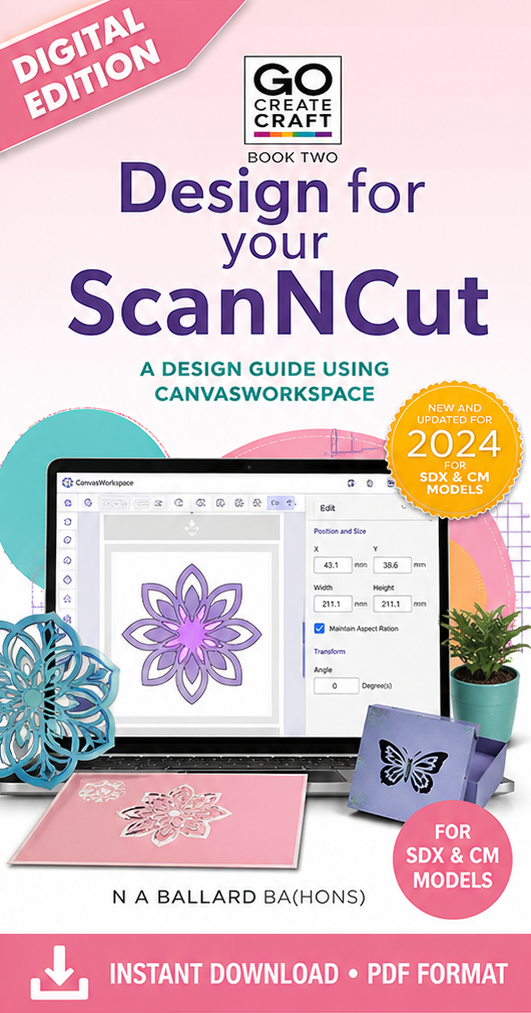
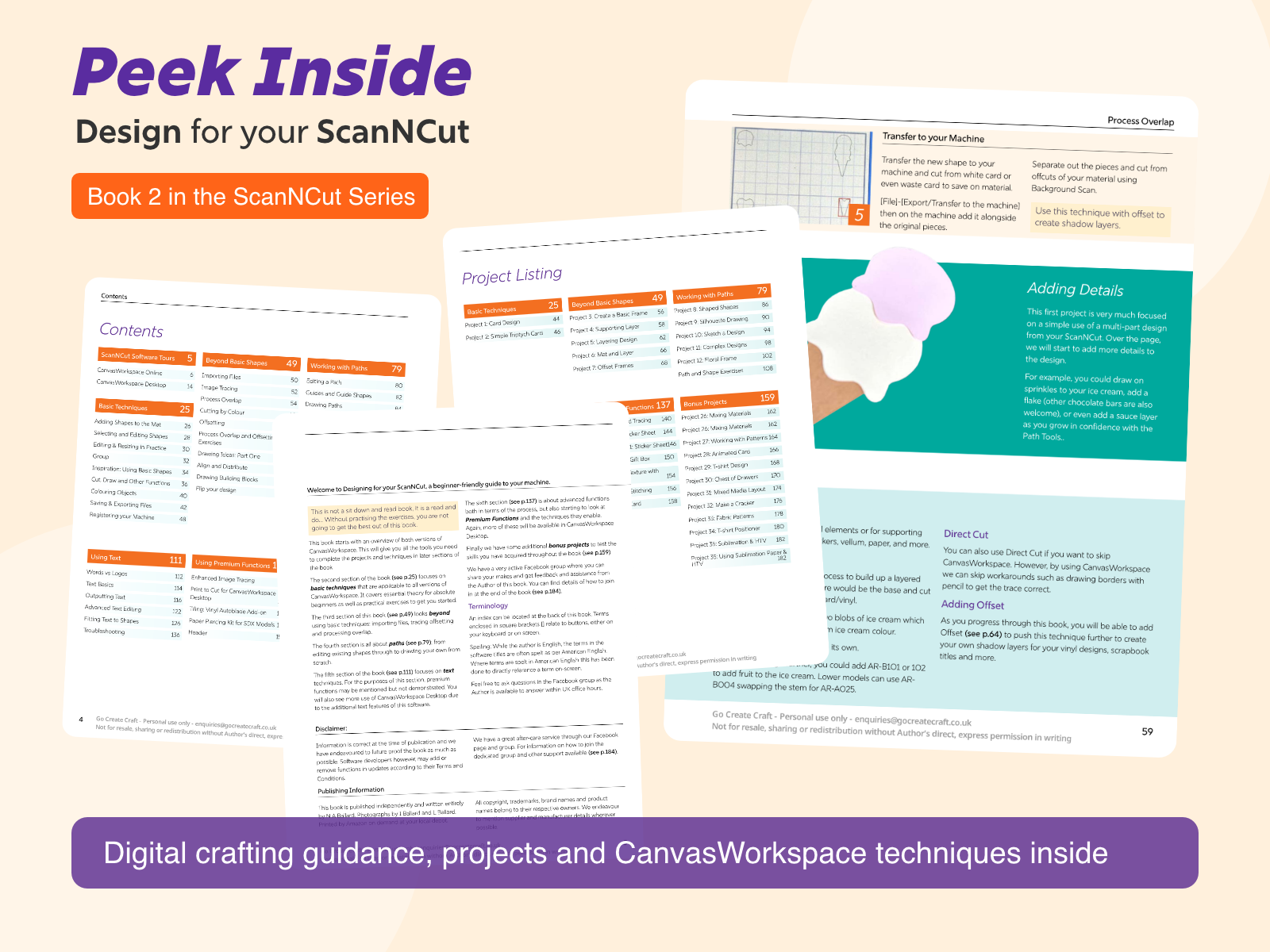
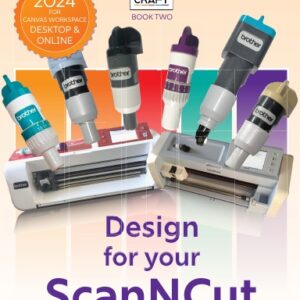
Design for your ScanNCut is a practical, step-by-step guide to working in CanvasWorkspace, helping you understand not just what to do — but why it works.
Like Book One, this is a read-and-do book, designed to build your skills through hands-on projects and guided exercises.
Inside, you’ll learn how to:
- work confidently in CanvasWorkspace (desktop and online)
- build and edit shapes and paths
- create layered and more complex designs
- use text effectively in your projects
- develop your own cut files from scratch
With structured sections and real projects, this book helps you bridge the gap between using your machine and designing for it.
🟨 “How this fits your journey”
- ✔ You’ve started using your ScanNCut
- ✔ You want to go beyond built-in shapes
- ✔ You’re ready to create your own designs
- Learn design skills in CanvasWorkspace
- Create your own files from scratch
- Learn new techniques and possibilities with your ScanNCut
You don’t need perfect tools or exact supplies to get started.
Focus on understanding the process — and adapt it to suit what you already have.
New to your machine?
Start with Getting Started with your ScanNCut instead.
This is a digital download
You’ll receive instant access after purchase and can download it anytime from your account. No physical copy of the book will be shipped. You are welcome to print a copy of the file for personal use, however please do not share, distribute or copy any files or physical copies of the book.
⚡ Format note
Digital Edition (PDF)
- Instant download after purchase
- Access anytime from your account
- View on tablet, laptop or desktop
Ready to start designing your own projects?
👉 Get your Digital Edition now


Reviews
There are no reviews yet.