Learn Digital Crafting Without the Overwhelm
Clear tutorials and practical projects to help you get the most from your Brother ScanNCut, Cricut or Silhouette machine.

New Release:
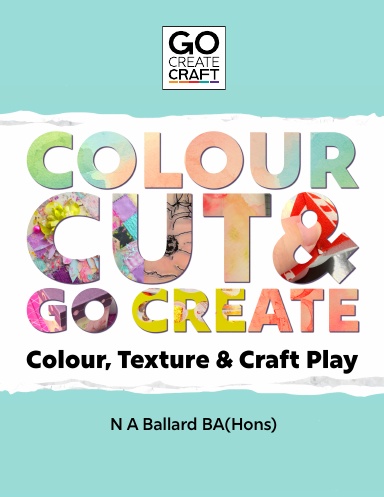
Colour, Cut & Go Create
A playful introduction to hybrid crafting Go Create Craft style – combining colouring techniques, cutting projects and creative exploration.
Perfect if you want to build confidence and start creating your own designs.
Quick Learning Paths
What do you want to learn today?
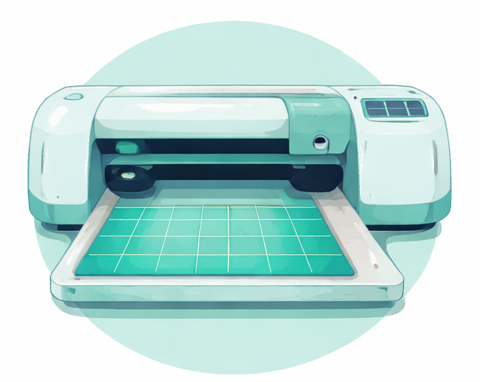
Cutting Machines
Understanding blades, mats and settings • Design software tutorials
Colour & Techniques
Ink blending, painting and colouring techniques
Albums & Layouts
Designing consistent pages and projects using dies and cutters
Mixed Craft
Combining paper crafts, soft crafts and digital crafting techniques
Learn with the Go Create Craft books
The Go Create Craft book series guides you through the key skills of digital crafting, from understanding cutting machines through to design, colour techniques and creative projects.
Explore the books below to build confidence and develop your creative skills step by step.
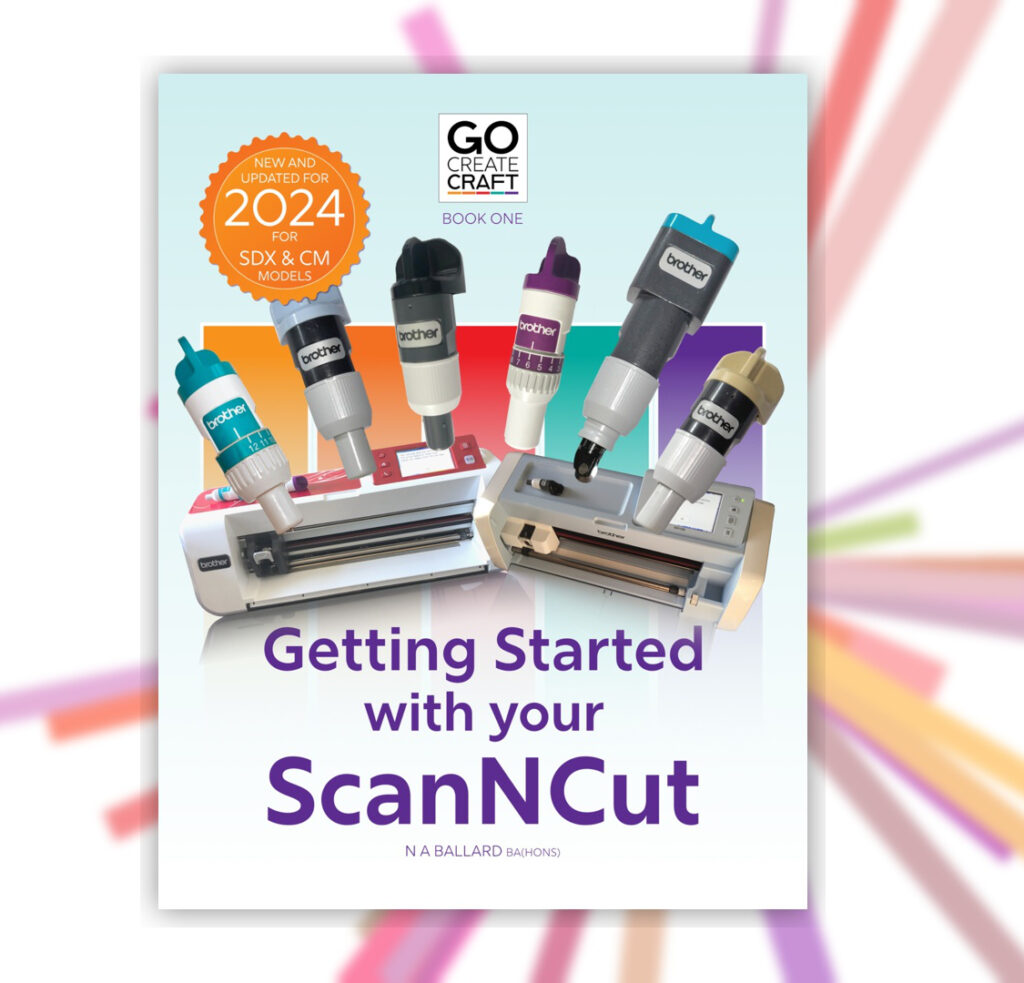
Getting Started with your ScanNCut
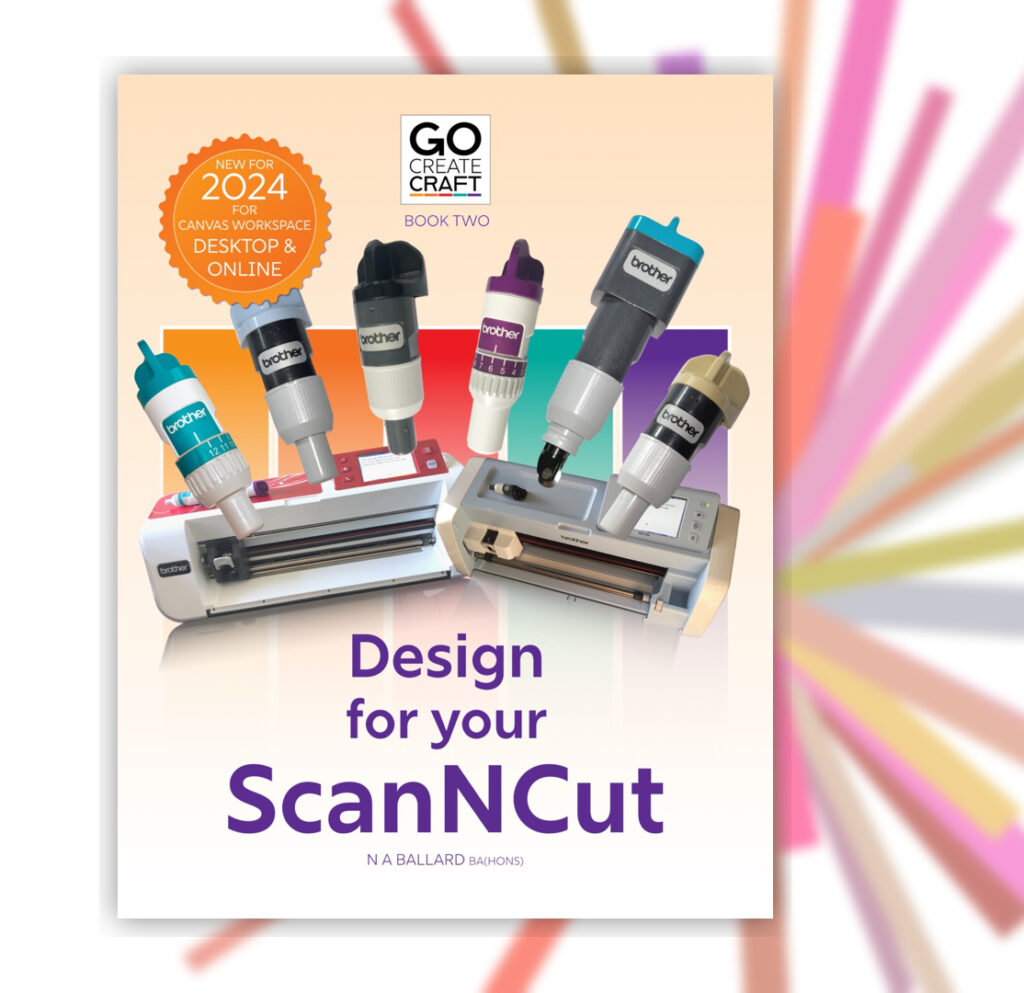
Design for your ScanNCut
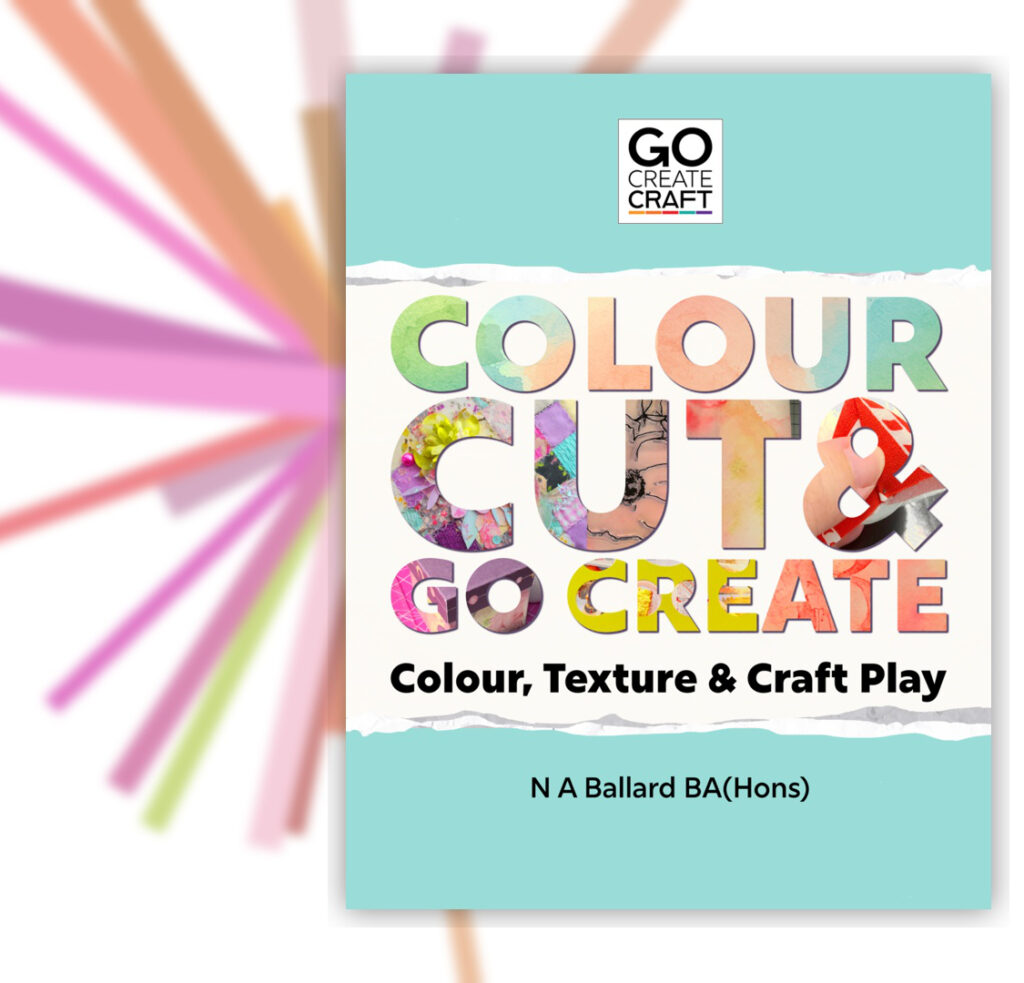
Colour, Cut & Go Create
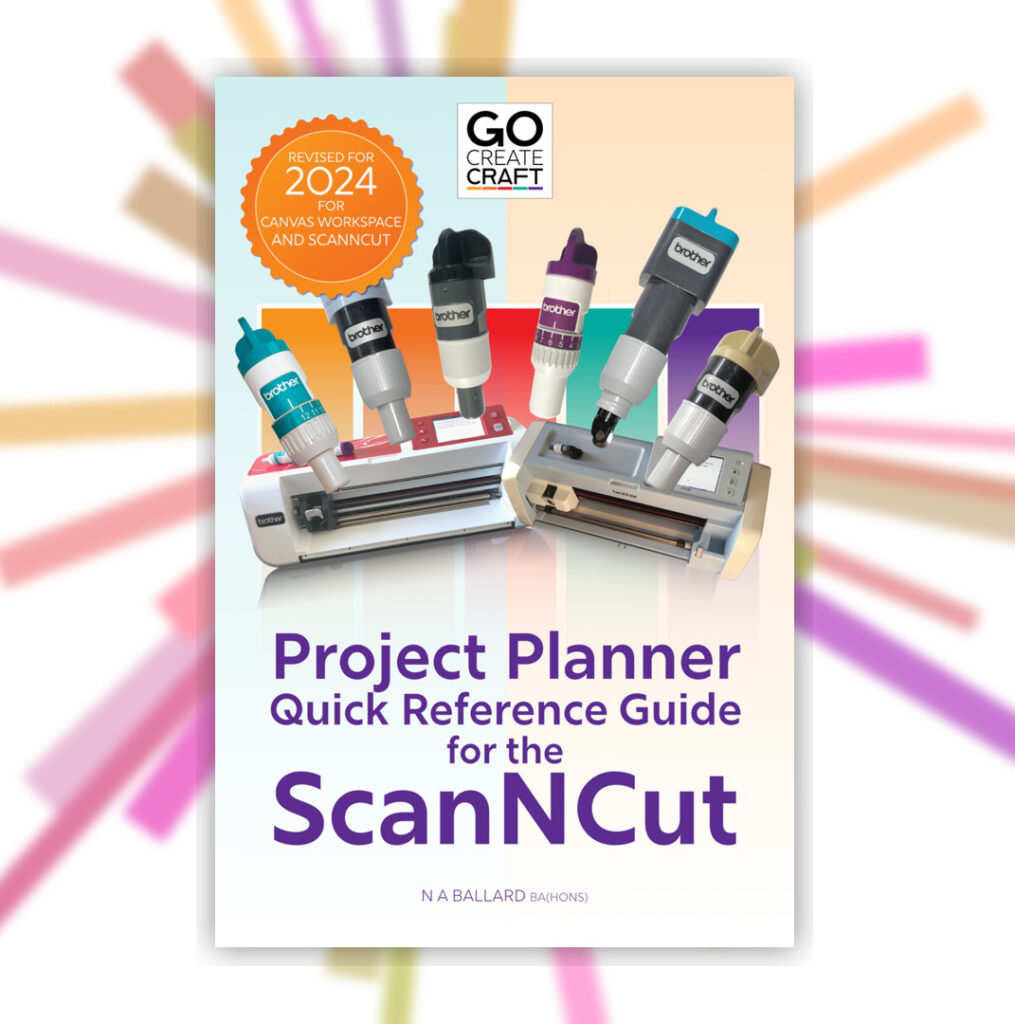
Go Create Craft Project Planner
Latest Blog Posts
Stay informed and inspired with our latest blog posts. Discover insights, tips, and trends across various topics.
-
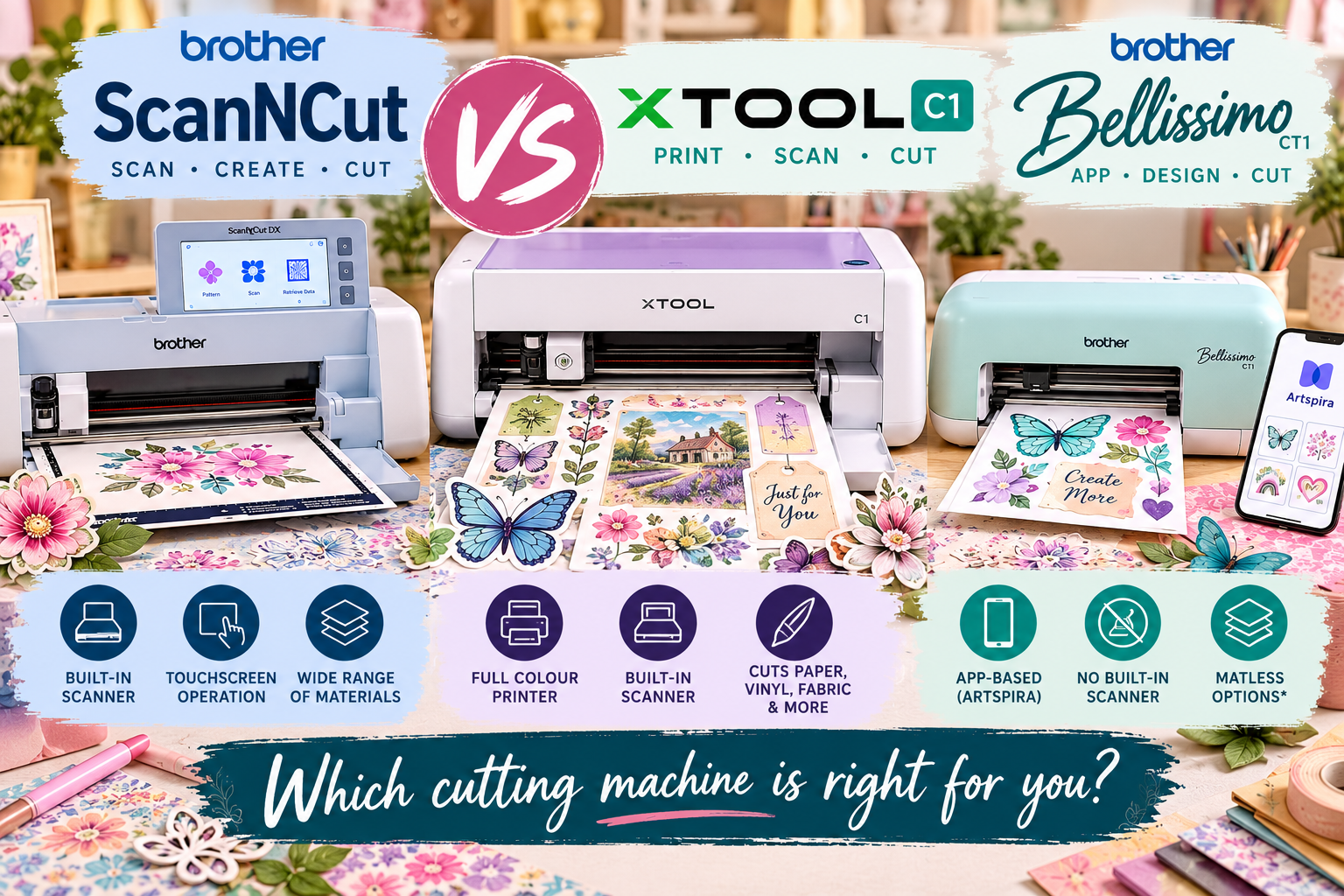
xTool C1: Could the New Print, Scan and Cut Machine Challenge Brother ScanNCut?
The newly announced xTool C1 combines a scanner, full-colour printer and cutting machine in one…
-
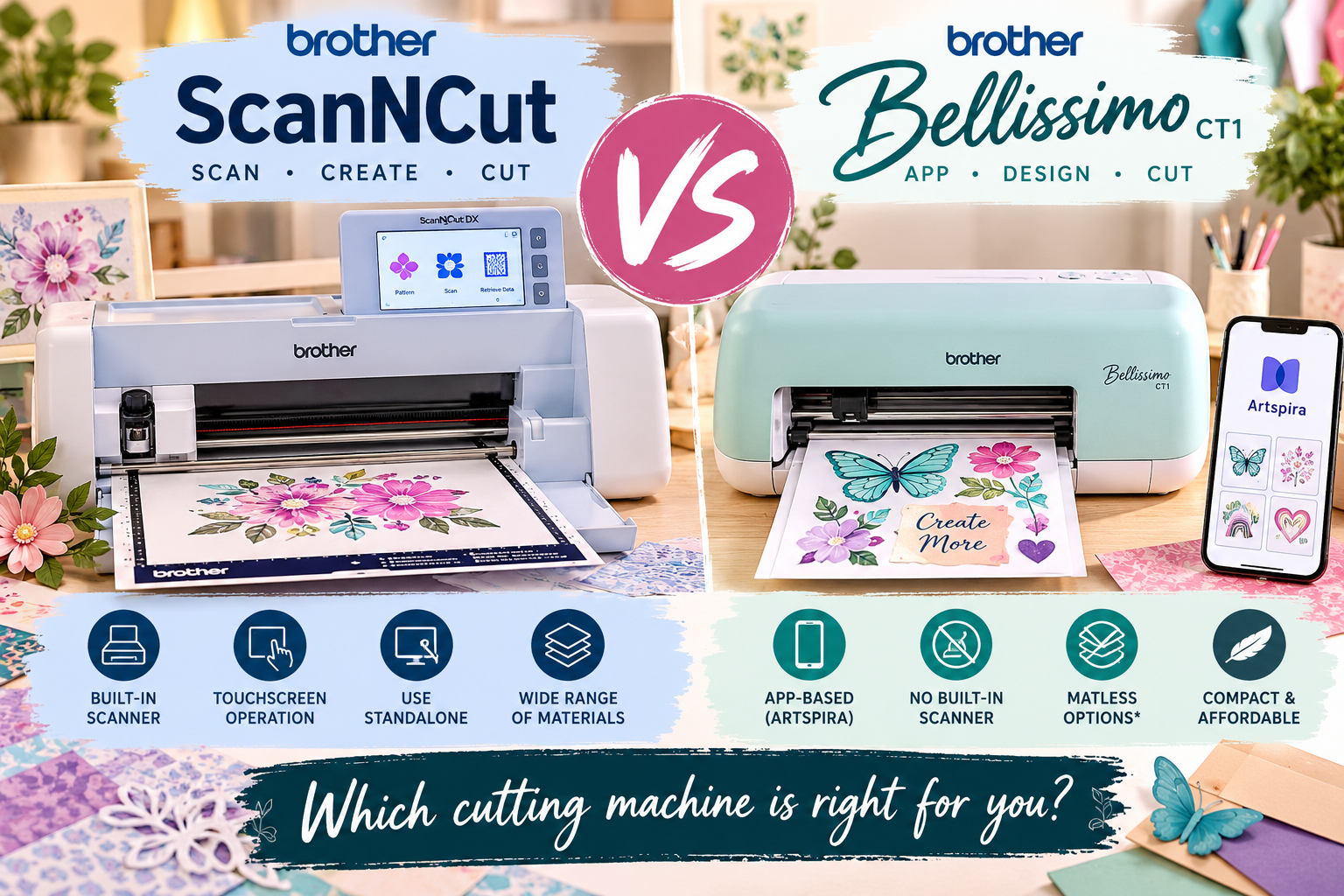
Brother ScanNCut vs Bellissimo: Which Cutting Machine Is Right for You?
Brother has introduced a new cutting machine, the Bellissimo CT1, offering a more compact, app-controlled…
-
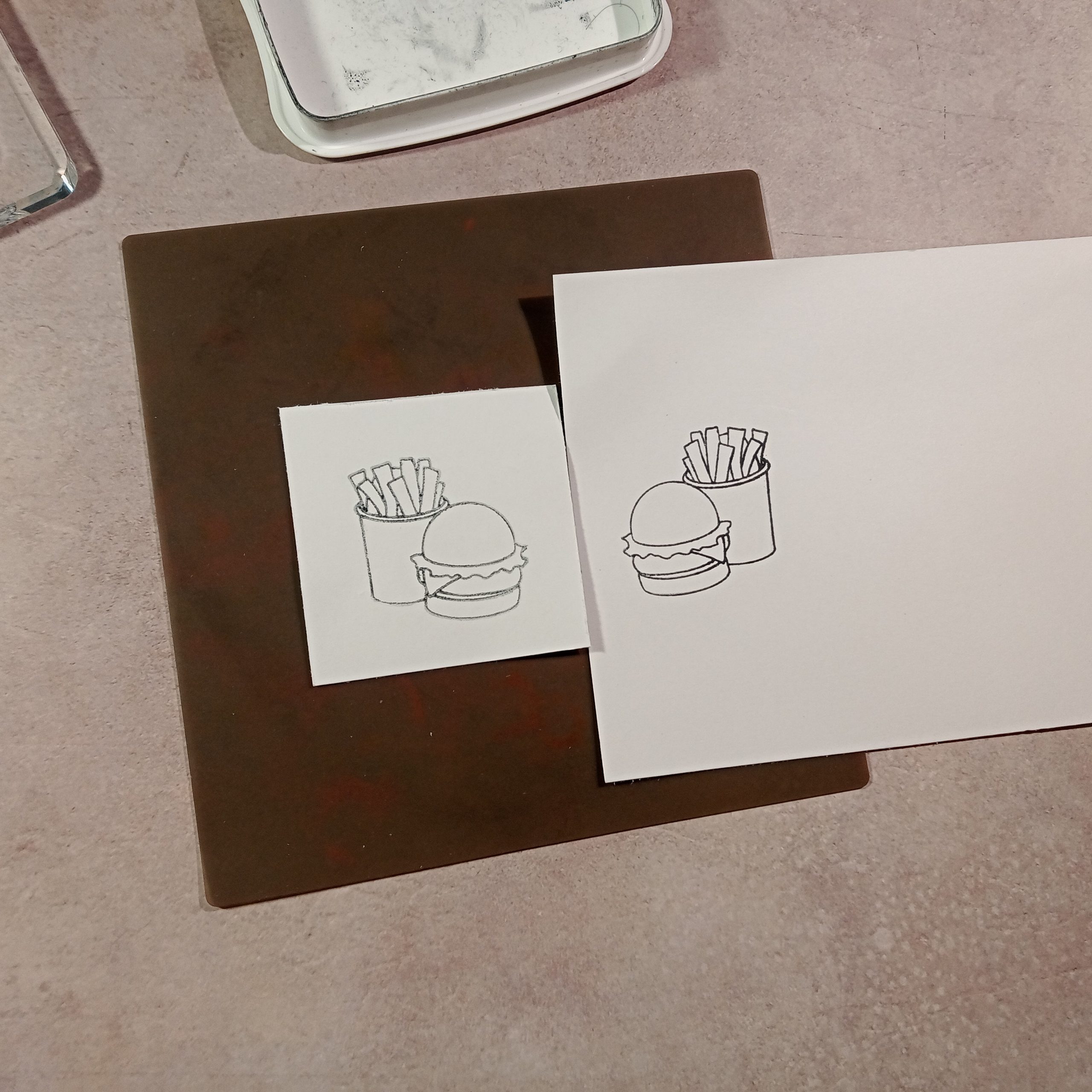
Reverse Stamping Technique How-to
Hey everyone, it’s Brian from B&D Crafts. Today, I will be demonstrating how to produce…


FREE DOWNLOAD
5 Simple Fixes for
Common Cutting Problems
Learn how to fix:
- Torn cardstock
- Incomplete cuts
- Misaligned start/ends of shapes
- Blade and Mat Issues
Watch the
Latest Tutorial
Join Nat as she shows another easy technique to get you started…
About Go Create Craft
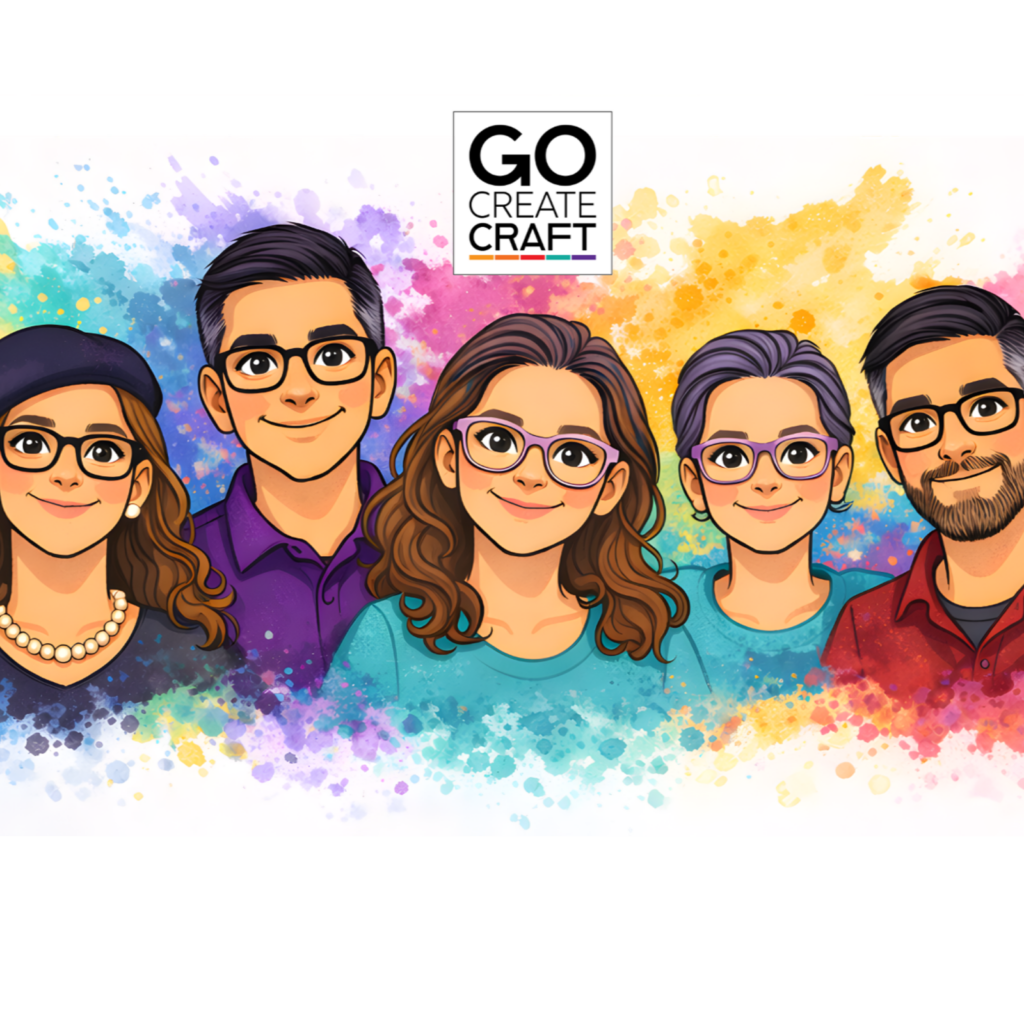
Go Create Craft exists to make digital crafting clear and accessible. Through tutorials, workshops and practical projects, the aim is to help crafters understand their tools and create with confidence.
Create a FREE account
Join us today to download guides, access projects and manage your orders.


Catch up with the latest from
Go Create Craft
Here are our three most recent posts…
-
xTool C1: Could the New Print, Scan and Cut Machine Challenge Brother ScanNCut?
The newly announced xTool C1 combines a scanner, full-colour printer and cutting machine in one…
-
Brother ScanNCut vs Bellissimo: Which Cutting Machine Is Right for You?
Brother has introduced a new cutting machine, the Bellissimo CT1, offering a more compact, app-controlled…
-
Reverse Stamping Technique How-to
Hey everyone, it’s Brian from B&D Crafts. Today, I will be demonstrating how to produce…
Learn with Me
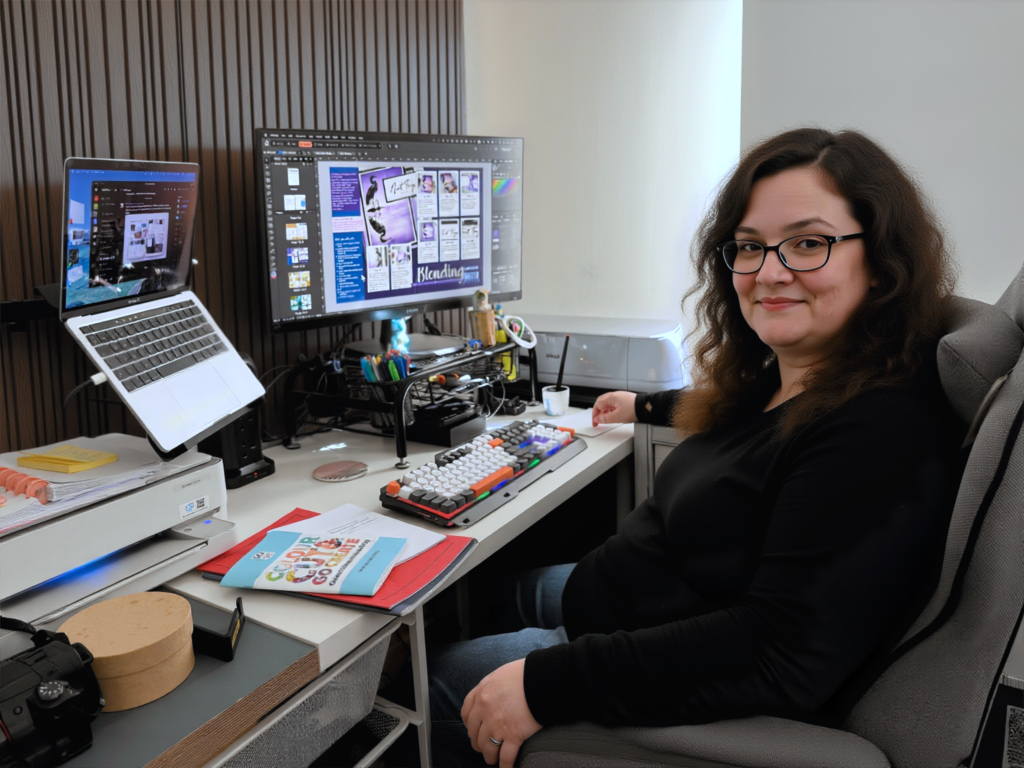
Workshops
Coming soon – dedicated weekend workshops. Join in live or catch up at your own speed – the choice is yours.

Structured Learning
Private tuition directly with Natalie, either in person (with travel fee applicable) or virtually over a host of suitable and accessible platforms. She will develop a custom curriculum directed by your learning needs and ability.
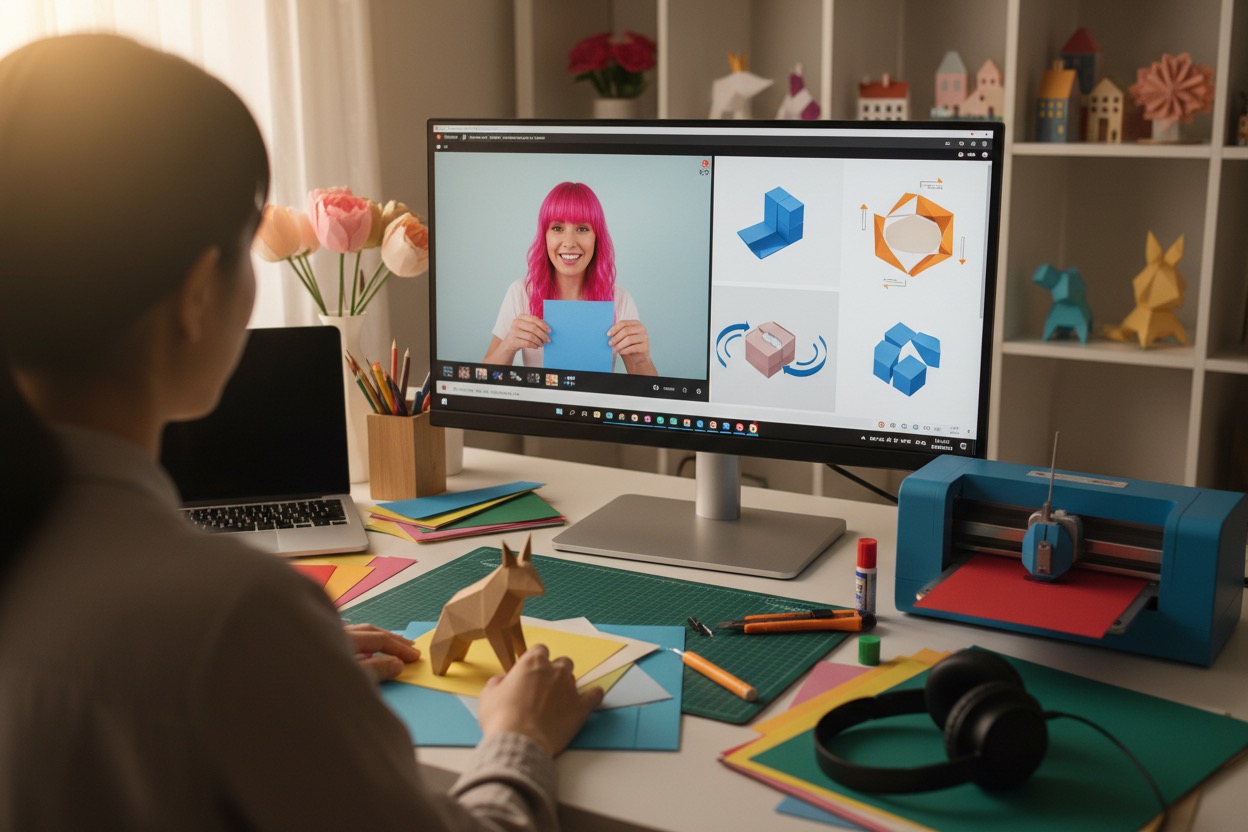
Guided Projects
Follow along with one of our members projects or YouTube classes. Be sure to share your finished projects for useful tips and encouragement, as well as the joy of sharing with like-minded crafters on our social platforms.