
Books
The books published under Go Create Craft are designed to help crafters build skills step by step, from understanding cutting machines to developing confidence with design, colour and creative projects.
Each book focuses on a different stage of the creative process. Together they form a practical learning pathway that supports the tutorials and resources shared on this website.
If you are new to digital crafting, these books provide clear explanations, structured projects and techniques that can be applied across a wide range of creative projects.
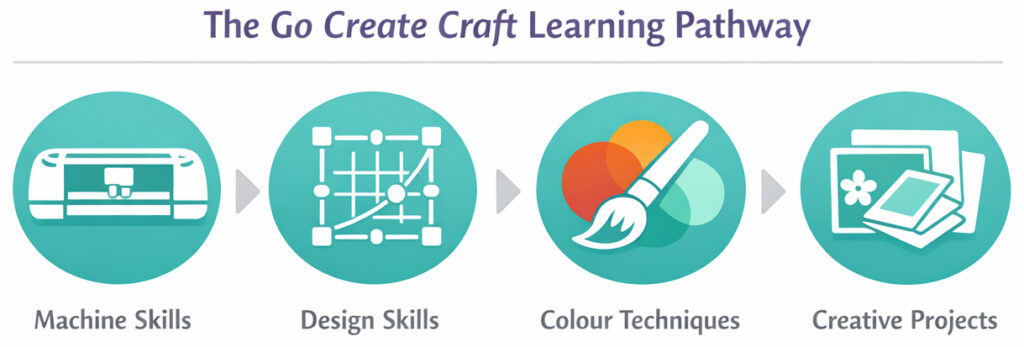
Learn Your Machine
Understanding how your cutting machine works and how to achieve clean, reliable cuts.
Learn to Design
Develop the skills needed to create your own cut files and layouts.
Add Colour
Explore colour techniques that enhance your projects and bring designs to life.
Create Projects
Combine skills, techniques and ideas to develop creative projects with confidence.
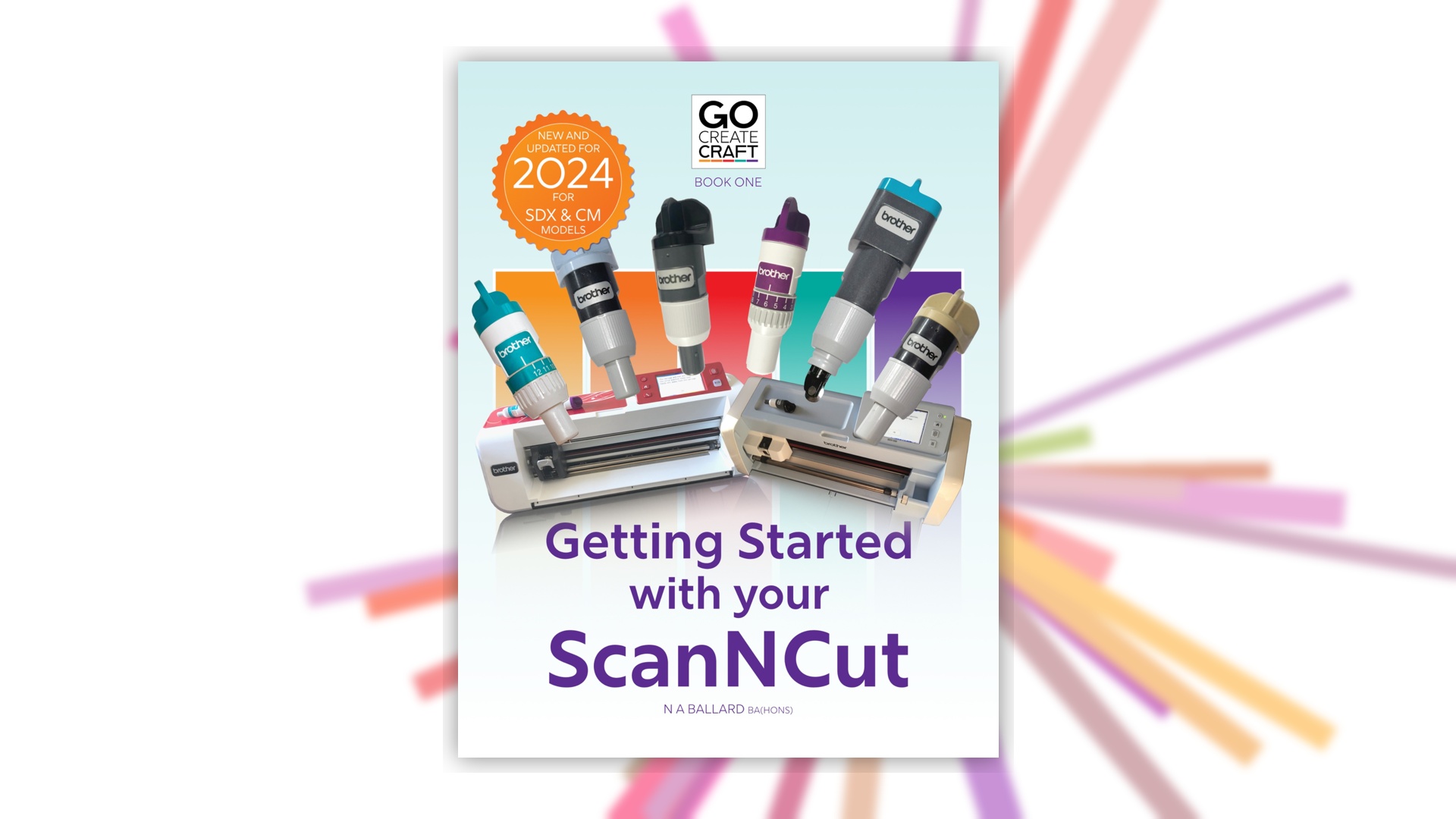
Getting Started
with your ScanNCut
The best place to begin if you are new to cutting machines and you’ve just ordered your first ScanNCut. After all, the biggest mistake beginners make is not getting it out of the box.
It also teaches through to advanced techniques for those who are familiar with their machine and want to try something new.
This book introduces the core skills needed to use a Brother ScanNCut confidently, including blade settings, cutting mats, materials and troubleshooting common problems.
It teaches you all the machine functions (including most of the add-on features) through a mix of information sections, exercises and project tutorials.
It focuses on building reliable cutting habits so you can spend more time creating and less time solving machine issues.
Available on Amazon and Lulu
Learn to Design
Once you’re comfortable cutting, the next step is learning how to design for your machine.
This section covers CanvasWorkspace skills, clean cut file setup, and vector design fundamentals so you can move from using ready-made files to creating your own.
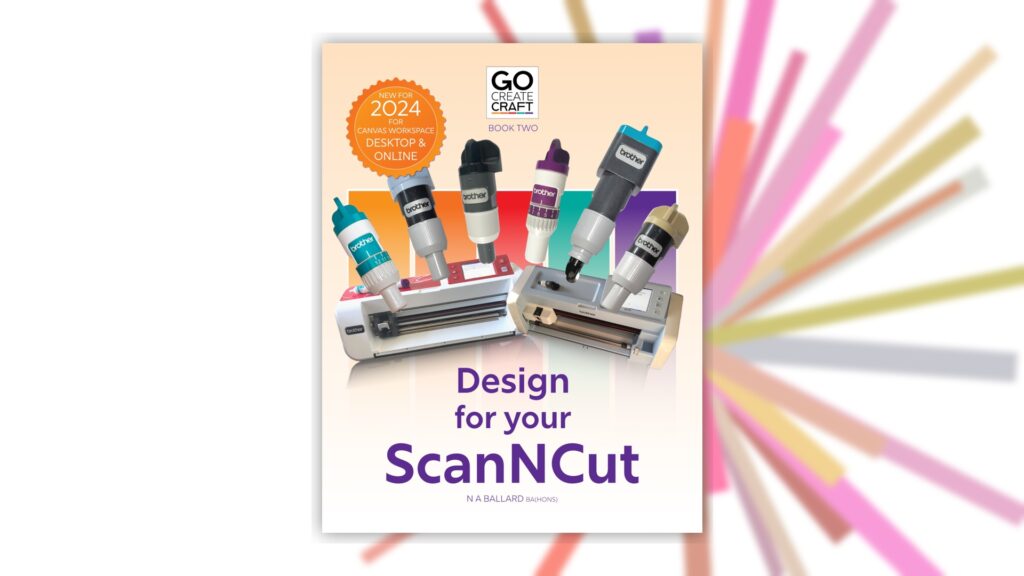
Design for your ScanNCut
Learn how to create and edit designs in CanvasWorkspace with confidence. This book focuses on building clean cut files, working with shapes and layers, and avoiding common design mistakes.
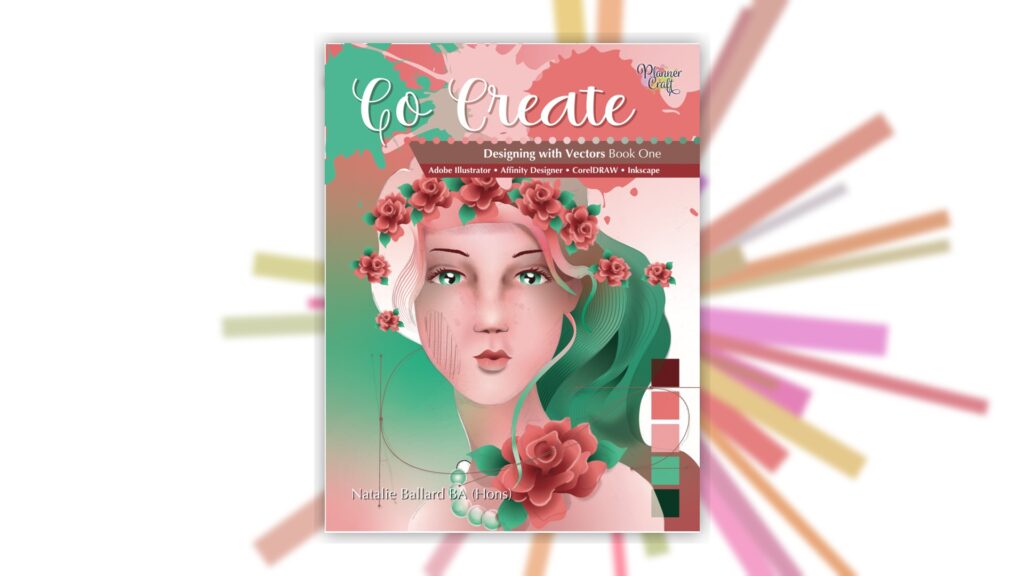
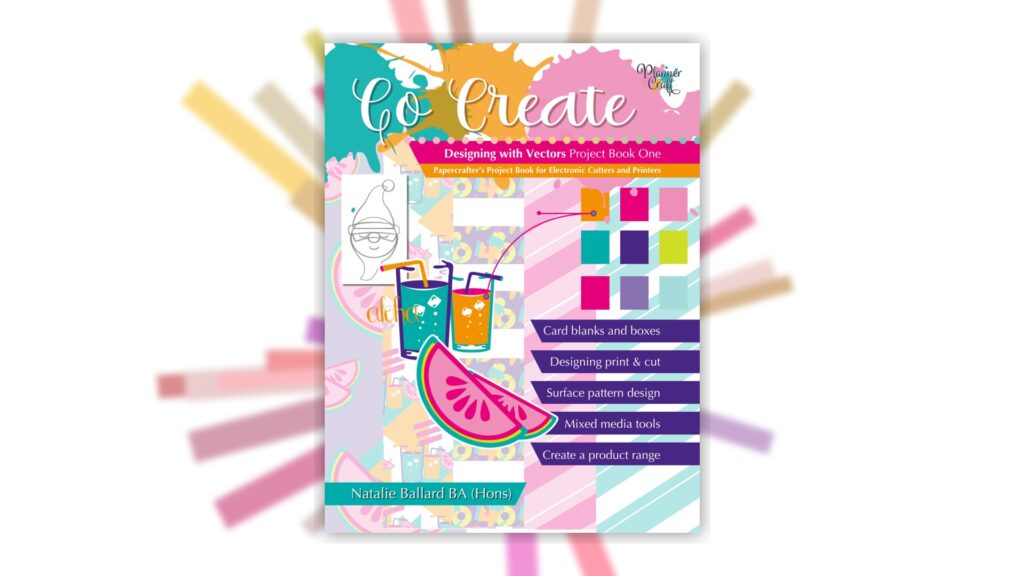
Designing with Vectors: Book 1
A crafter-friendly introduction to vector design concepts. This book helps you understand how vector shapes behave and how to build designs that cut cleanly.
Suitable for users of Affinity Designer V1, Adobe Illustrator, Corel Draw and Inkscape
Designing with Vectors: Book 2
Continue developing your vector skills with practical guidance and design exercises that strengthen your workflow and confidence.
This book focuses more on project how to rather than learning software. It cross references Book 1 wherever needed.
Coming Soon…
Go Create: Designing with Affinity for Crafters
Affinity Designer/Affinity is an incredibly powerful tool for creating vector designs that work beautifully with cutting machines.
This upcoming book is designed specifically for crafters who want to develop confidence with vector design, layout planning and creative workflows using all versions of Affinity software (including the iPad app).
Rather than approaching Affinity from a traditional graphic design perspective, this guide focuses on the tools and techniques that are most useful for crafters with dedicated crafting projects and processes for all abilities. This updates Affinity content from Designing with Vectors books and brings it up-to-date and even more accessible!
Topics include:
• working with shapes and layers
• creating clean cut lines
• organising designs for cutting machines
• designing layouts and decorative panels
This book will connect directly with the tutorials and projects shared on the Go Create Craft website, social platforms and video channels.
Colour Techniques
Colour, Cut & Go Create
Colour is where creative experimentation really begins.
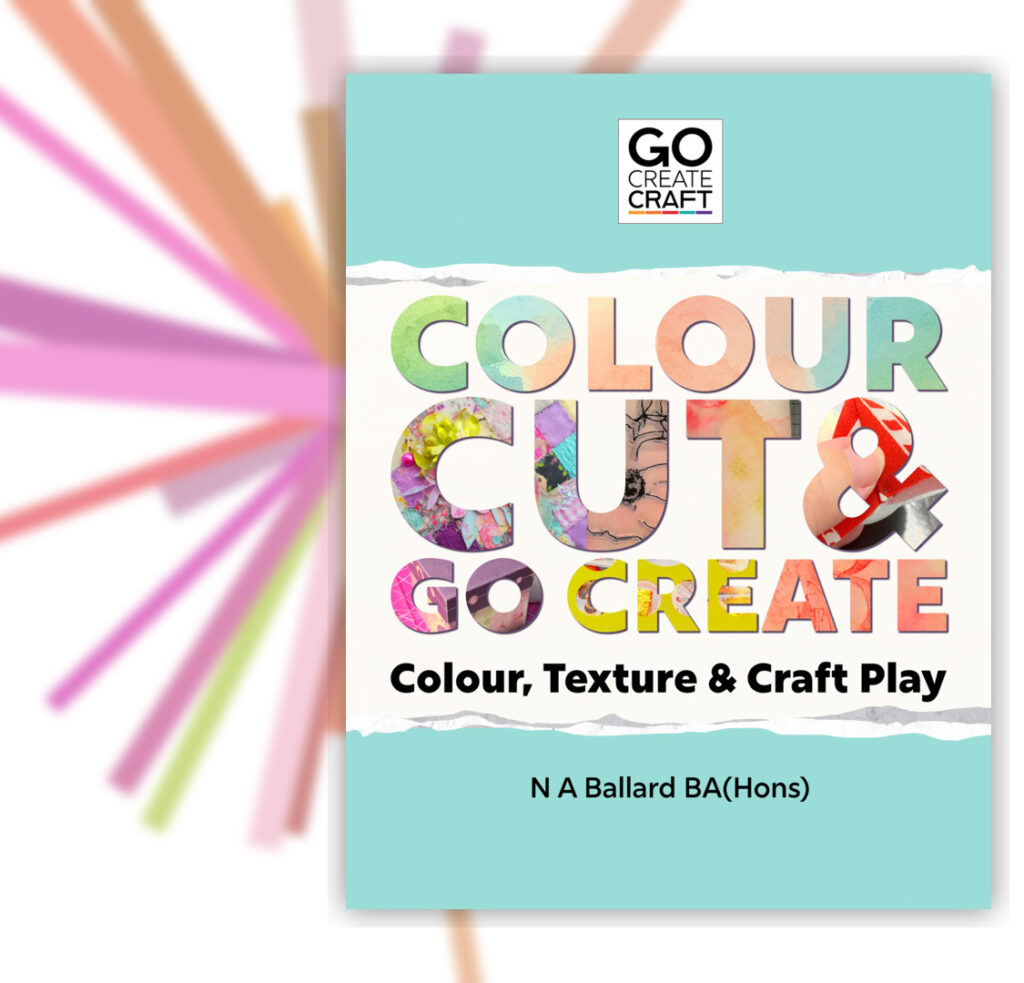
Colour, Cut & Go Create explores techniques that bring craft projects to life through layered colour, texture and playful design. The projects and exercises in this book encourage experimentation and creative confidence.
Inside you’ll explore techniques such as:
• ink blending
• layered colour backgrounds
• watercolour textures
• combining colour with cutting machine designs
These ideas connect directly with the colour tutorials and projects shared here on Go Create Craft.
Creative Projects
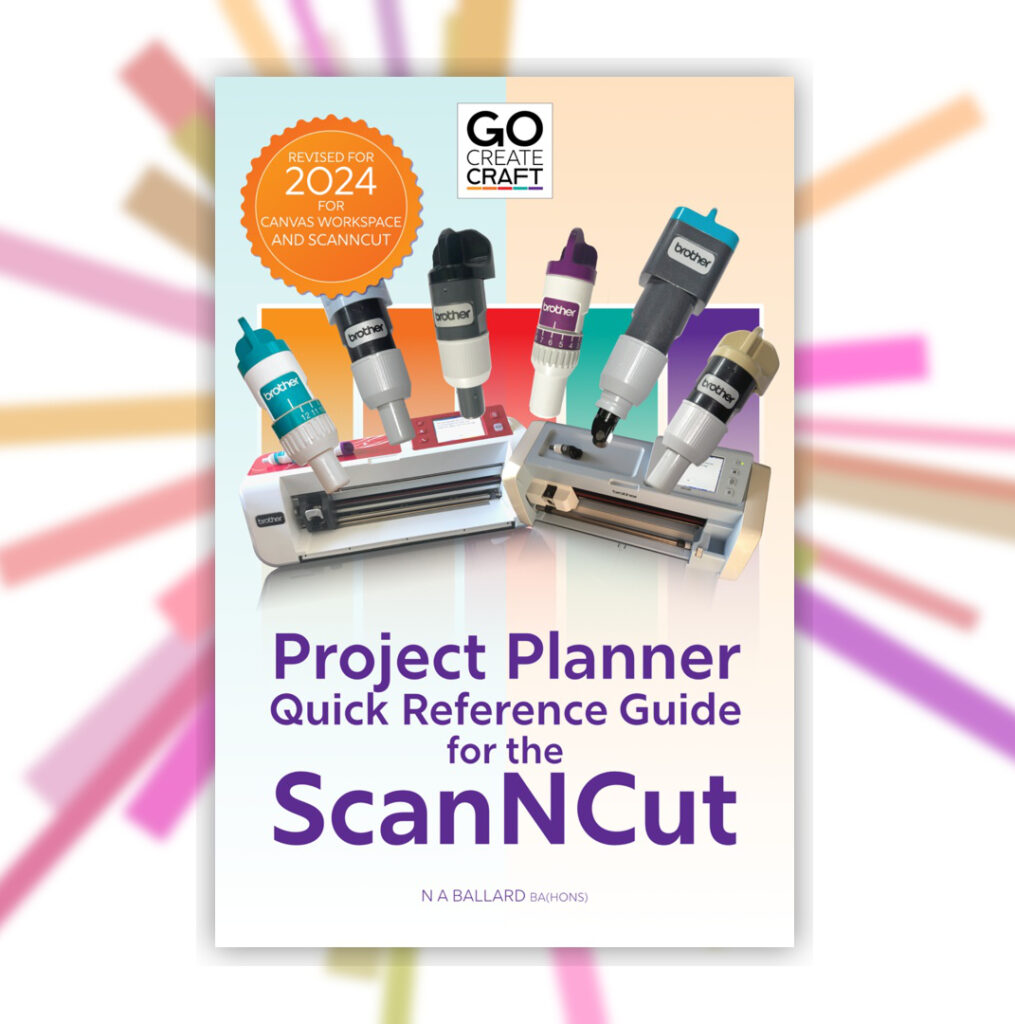
Go Create Craft Project Planner
Once you have developed confidence with your cutting machine, design tools and colour techniques, the next step is bringing everything together into complete creative projects.
The Go Create Craft Project Planner helps you organise ideas, refine layouts and record successful techniques so your projects become easier to plan and develop.
It includes space for:
• recording blade and pressure settings
• sketching layout ideas
• tracking materials and colour combinations
• planning multi-step projects
Many crafters find that keeping track of their successful settings and ideas helps build confidence and saves time on future projects.
Earlier Titles…
Before launching Go Create Craft, several books were published under the PlannerCraft name.
These titles explore creative planning, experimentation and seasonal inspiration. They remain a source of ideas for crafters who enjoy exploring new materials and creative approaches. The list below does not include our out-of-print titles for clarity. Both titles are still currently available on Amazon only.
Go Create:
The Crafter’s Yearbook
A creative annual designed to encourage experimentation with materials, colour and craft ideas throughout the year.
This book brings together prompts, ideas and inspiration for crafters who enjoy exploring different techniques and creative styles. It is affectionately known as “the doorstop” by the team as it brings together 12 months of our magazine.
Go Create:
Annual 2019
A collection of creative prompts and project ideas designed to spark inspiration throughout the year.
The annual encourages crafters to experiment with new techniques and develop their own creative routines. It is a bumper issue of our magazine with exclusive content not seen in The Crafter’s Yearbook.
Continue Learning
Many of the ideas explored in these books are expanded through the tutorials and projects shared on Go Create Craft.
Explore the Start Here guide to begin your creative journey.